

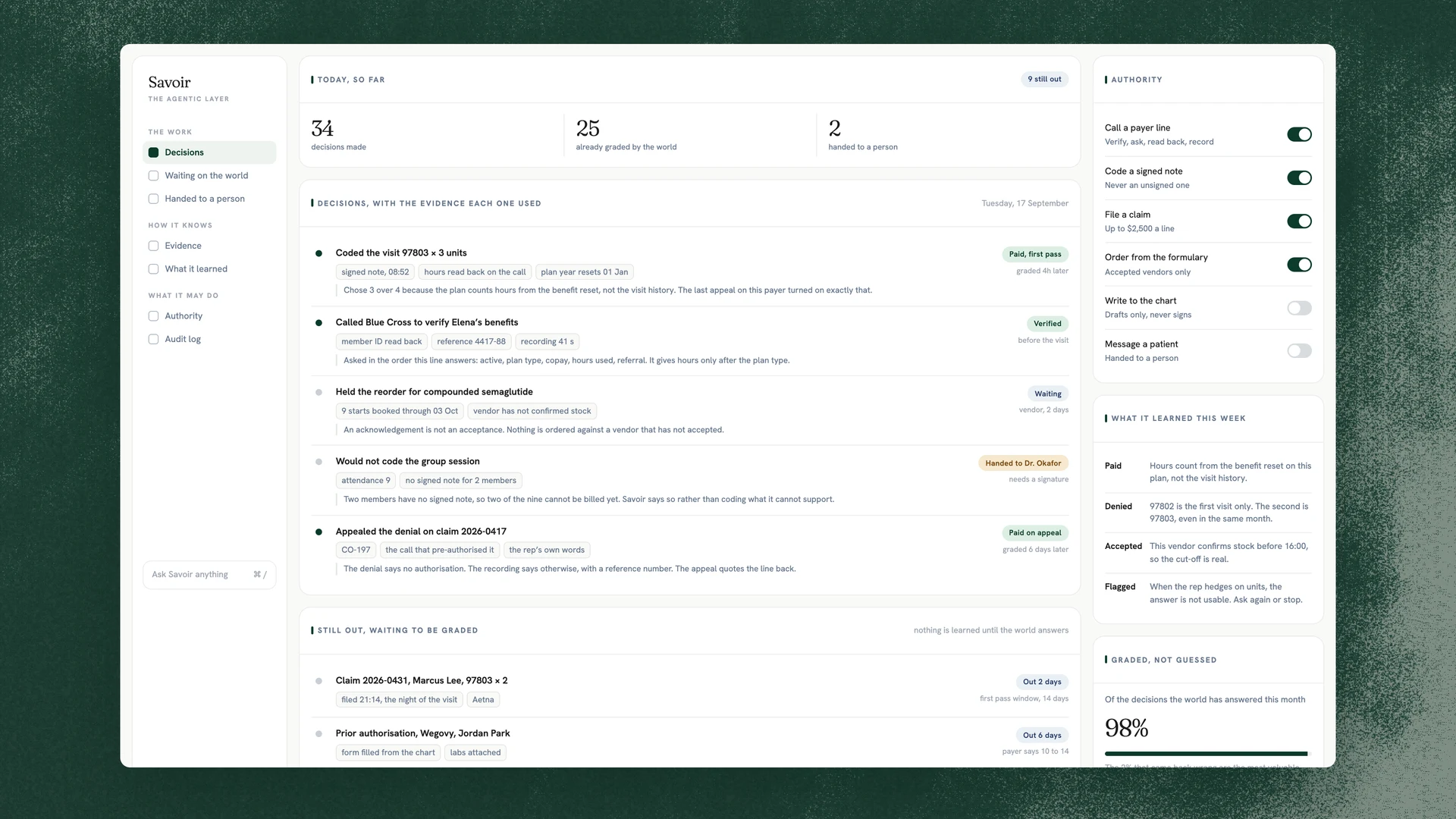
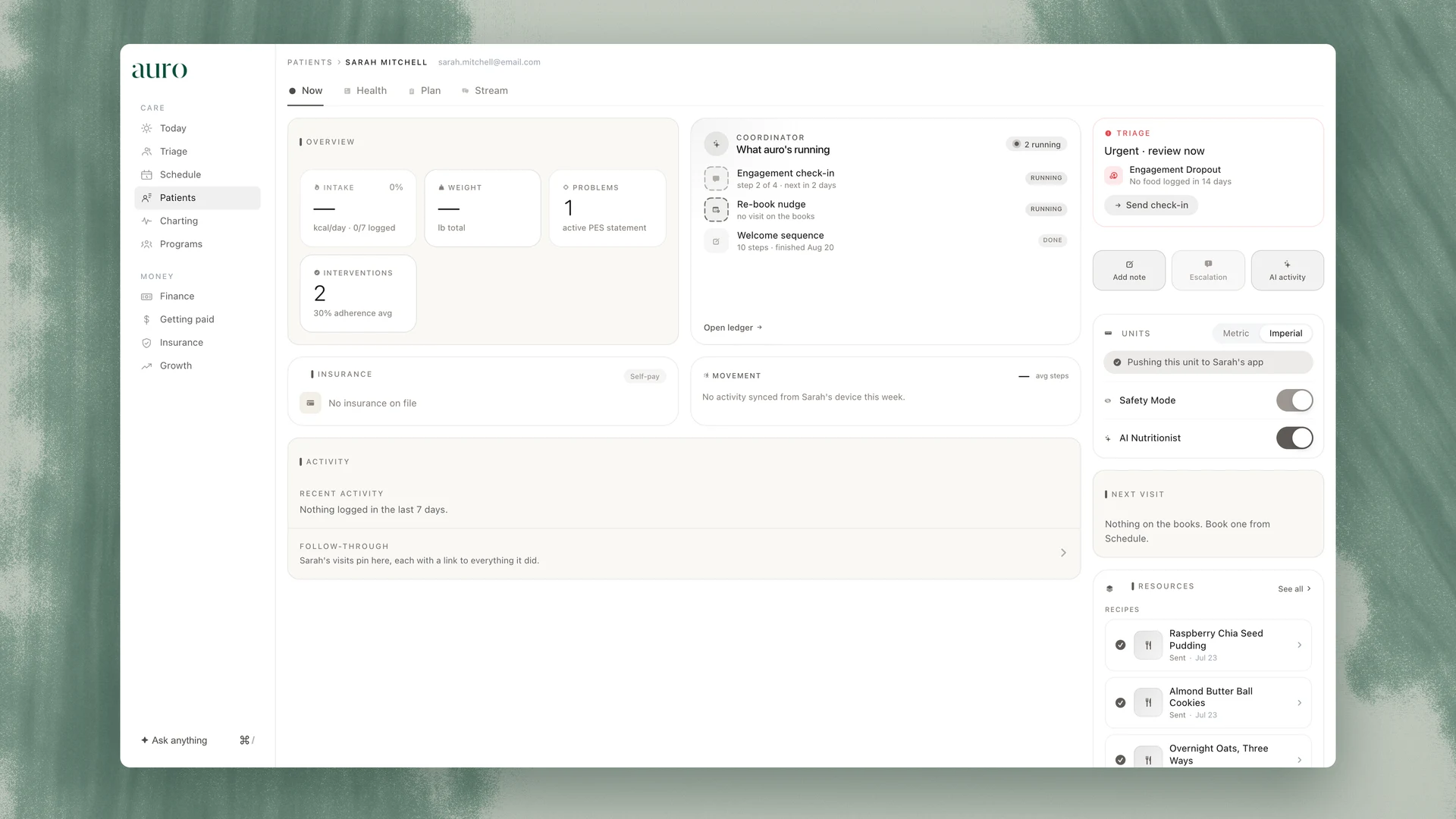
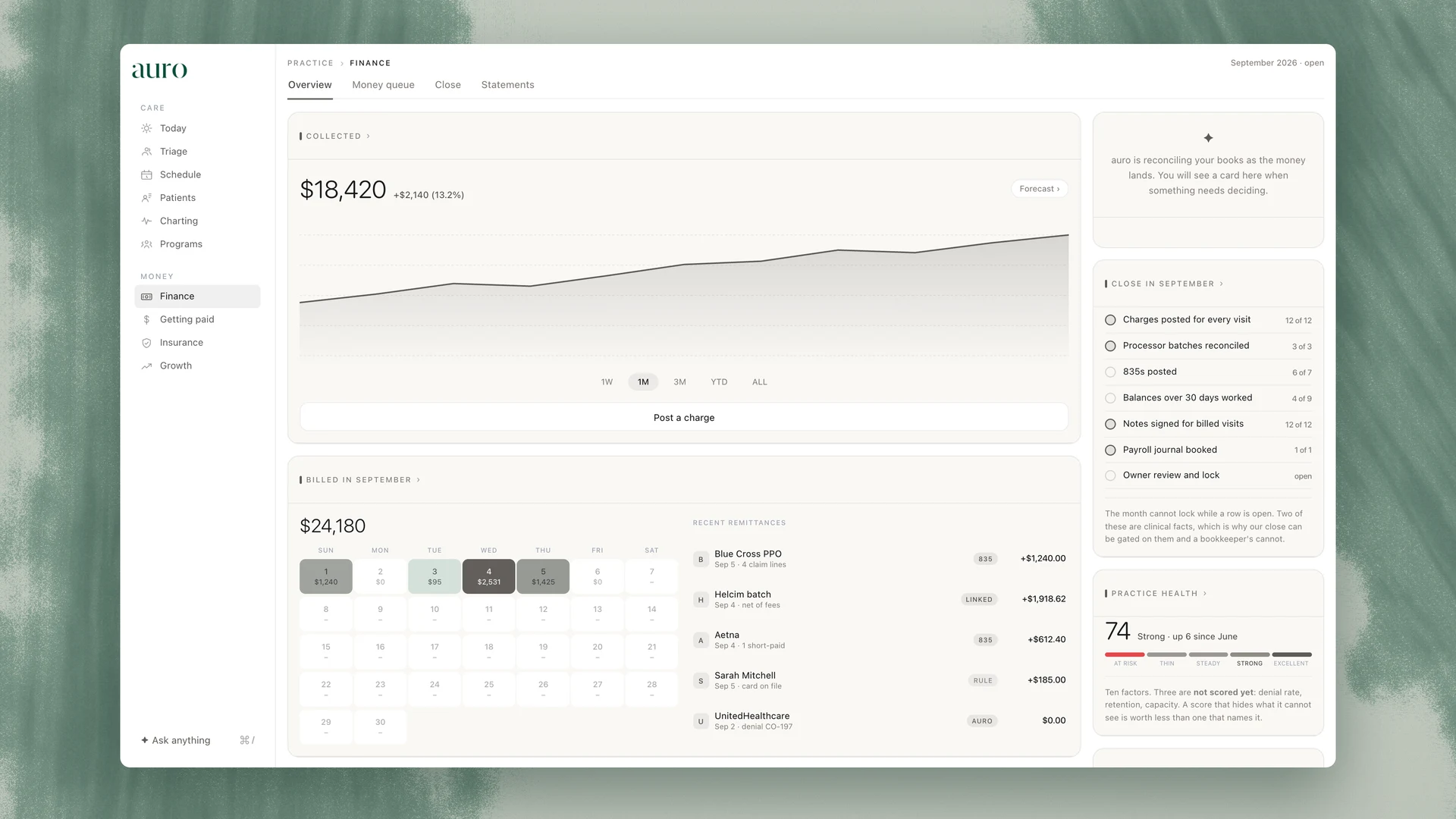
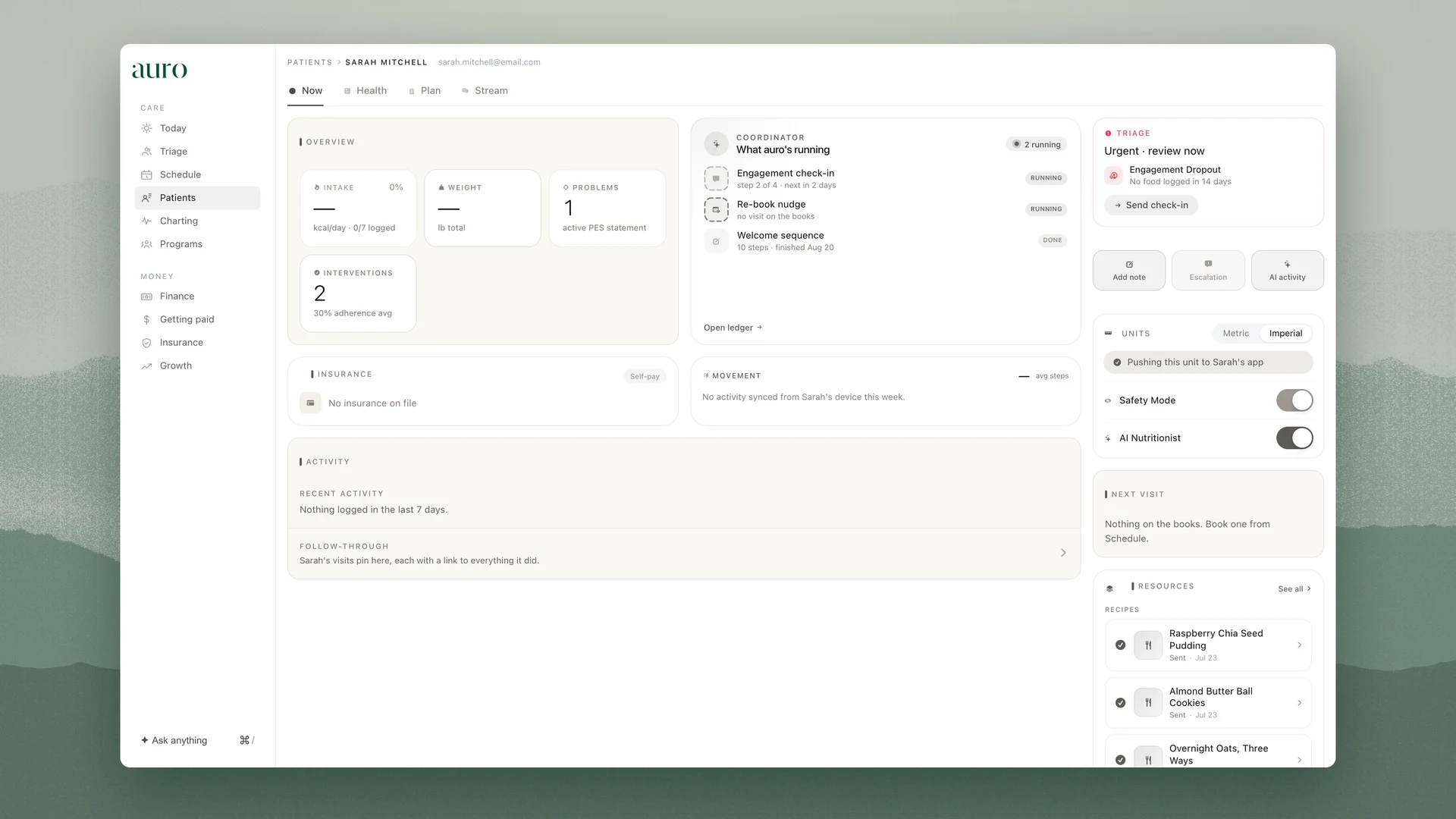

Two different problems live behind the same feeling. One of them is the practice’s record and one of them is our software, and knowing which is which is most of the answer.
Where it happens
Settings, in Trust. This lesson is part of the For the whole practice track.
What this lesson covers
Step 1
Open the receipt first
Most questions are already answered by the receipt behind the number: the action that made it, the person, the time.
Step 2
Wrong in the record
A value that should not be there belongs to the practice, so the practice fixes it. The log keeps the old value and the new one.
Step 3
Wrong in the software
A screen that does not do what it says is ours. Send the page you were on, the date and time, and what you expected instead.
Step 4
Never send patient details by email
Give the date of the visit and the flag. Support finds the record from the log.
Step 5
If one of our defects touched a record
We say so. The affected records are flagged rather than quietly corrected, and the revert is offered before anything else is discussed.
After this lesson
You can tell the two kinds of wrong apart and take the right first step for each.
The Academy keeps a record of what each person has completed. It is a record, not a credential: auro accredits no one, and no lesson carries CE or CEU credit.