

Support
What auro answers for you on the screen, how to reach a person, and what happens when something is wrong.
Write to support- A verification that flagged
- A claim that came back
- A note that will not sign
- A charge on the wrong visit
- A patient who cannot sign in
- An order that was not accepted
- A role that sees too much
- A remittance that will not post
- A recording that is missing
- A close that will not lock
- A payer that changed its answer
- A form that did not send
- A verification that flagged
- A claim that came back
- A note that will not sign
- A charge on the wrong visit
- A patient who cannot sign in
- An order that was not accepted
- A role that sees too much
- A remittance that will not post
- A recording that is missing
- A close that will not lock
- A payer that changed its answer
- A form that did not send
Before you write in
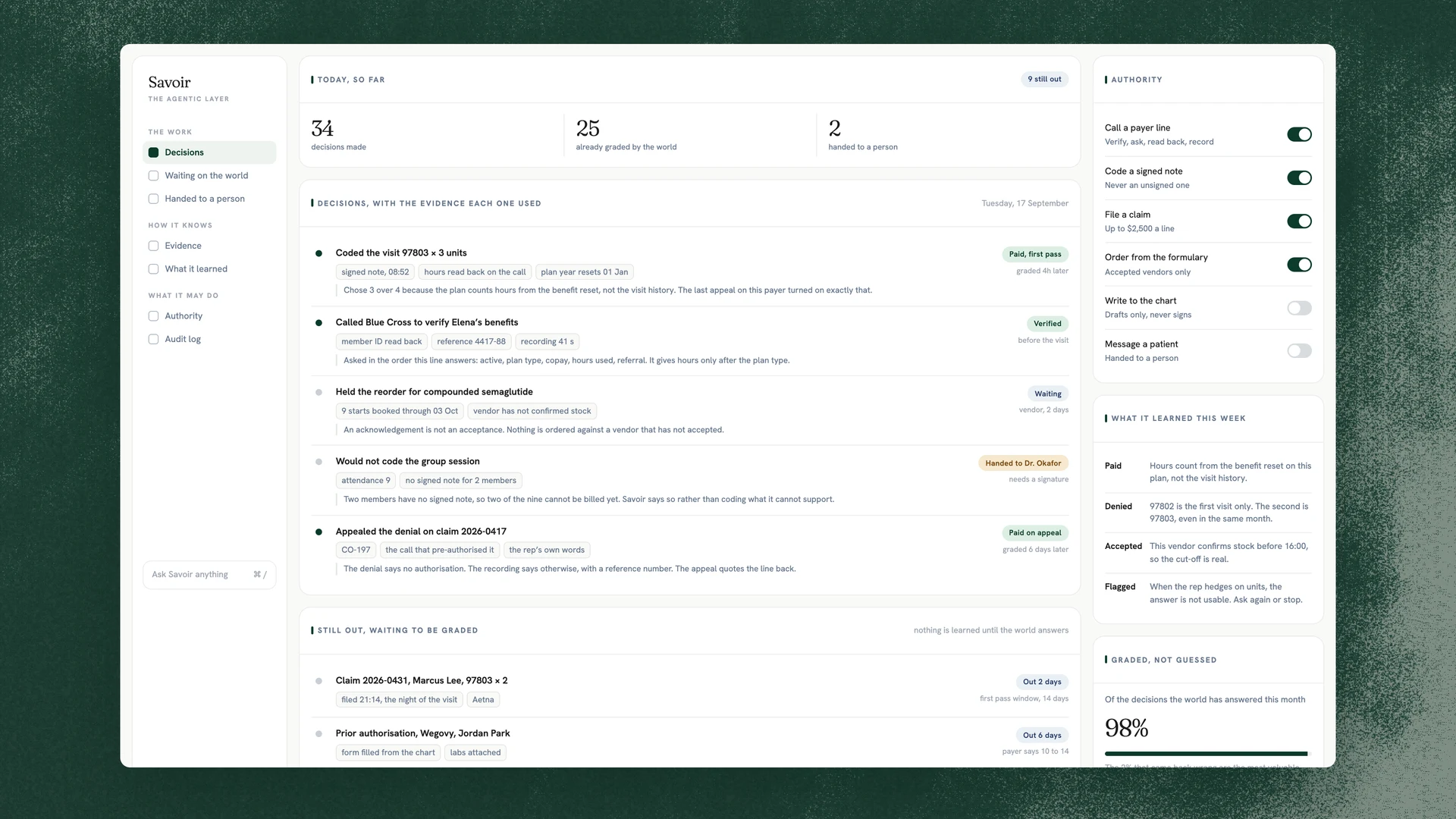
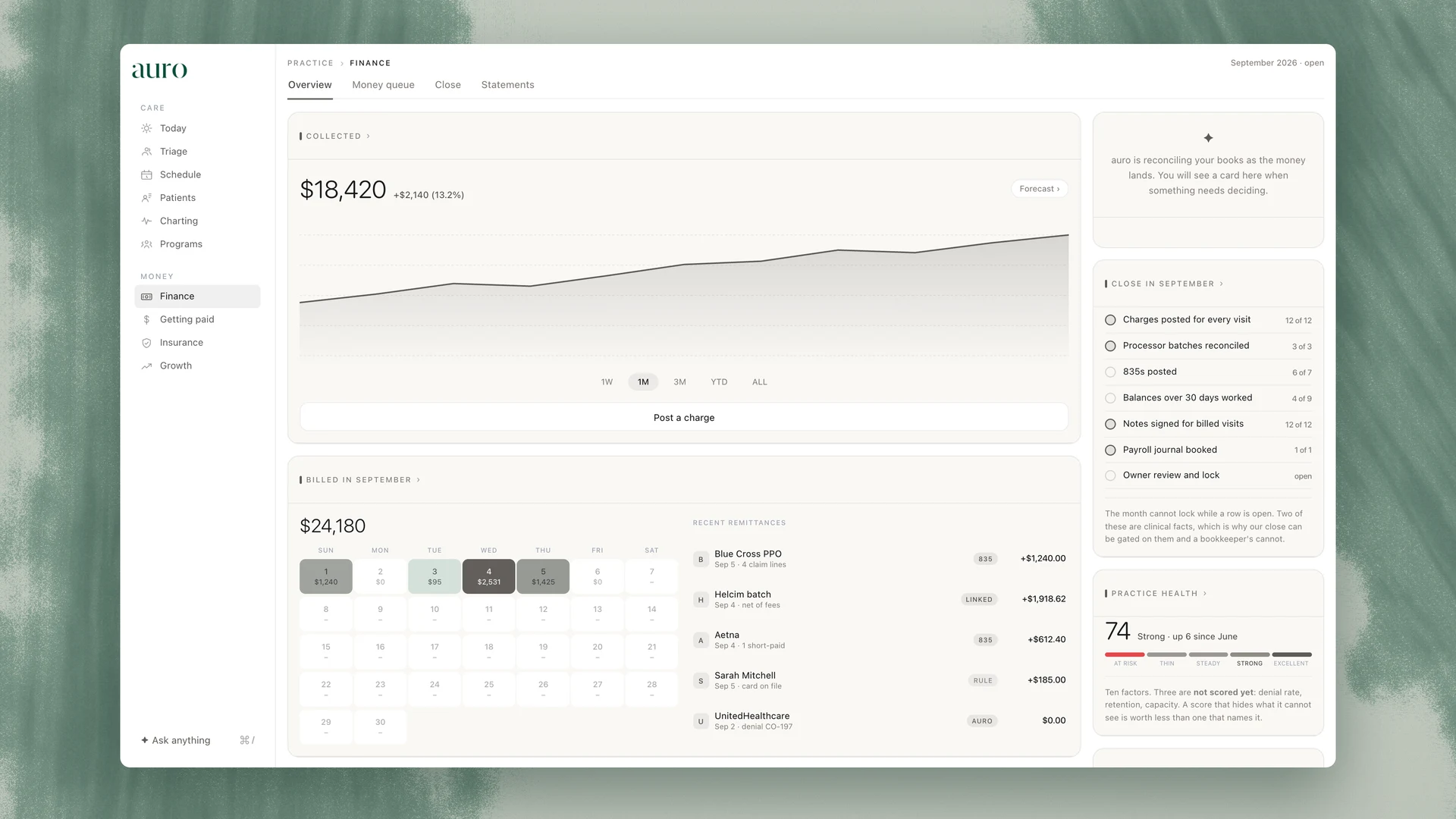
Most questions are already answered on the screen, and the screen is faster than an email. auro is built so that every number has a receipt behind it: the action that made it, who took the action, and when. Open the receipt before you open your mail.
The audit log
The receipt on the action
The flag, and its reason
The status on the claim
The call recording
The transcript beside it
The reason on a denial
Help, inside the app
When you do write in
Say which of these you are looking at and the answer comes back sooner. Something wrong in the record and something wrong in the software are different problems, and they are handled differently.
Wrong in the record
Wrong in the software
A payer that changed its answer
Roles, access and the account
When something is wrong
Two different problems, handled differently.
One of them is the practice’s record and one of them is our software. Knowing which is which is most of the answer, and it decides who fixes it.
Wrong in the record
A number that should not be there, a note on the wrong visit, a benefit that reads as active when the payer said otherwise. This is the practice’s own record, so the practice fixes it, and the audit log keeps both the old value and the new one with the name of whoever changed it. Support can show you where the value came from: the call, the claim or the person. It cannot change it for you.
Wrong in the software
The screen does not do what it says, a button does nothing, a total is computed wrongly. That is ours. Tell us the page you were on, the date and time, and what you expected instead, and it becomes a defect with your practice’s name on it until it is fixed.
When a defect touched the record
If one of our defects wrote something into a record, we say so. The affected records are flagged rather than quietly corrected, the change is revertable with one click because every write is, and the practice is told what happened, which records it touched and what was done about it. We would rather tell you about a small one than have you find a large one.
Reach a person
Write to us and a person reads it. We do not publish a response time we cannot hold to on every day of the year, and we would rather answer well than quickly. What we can say is what happens to your message once it arrives.
Tell us the practice, the page you were on, the date and time, and the receipt, flag or claim you are looking at. Do not send patient names, dates of birth or member numbers by email. Give us the date of the visit and the flag; we find the record from the log.
How it moves
A person answers first. If it turns out to be a defect, it goes to the engineer who owns that part of the product and stays open against your practice until the fix is live and you have been told it is. If it touched a record, the revert is offered before anything else is discussed.
Where else to write
Privacy, an export or a deletion: privacy@theaurohealth.com, and the choices are listed on the privacy page. Anything about the security of the record: security@theaurohealth.com. If you would rather be shown than told, book a demo and bring the screen you are stuck on.
Inside the app
The provider app carries its own help and a support conversation, so a question asked from the screen it is about arrives with that context already attached.