

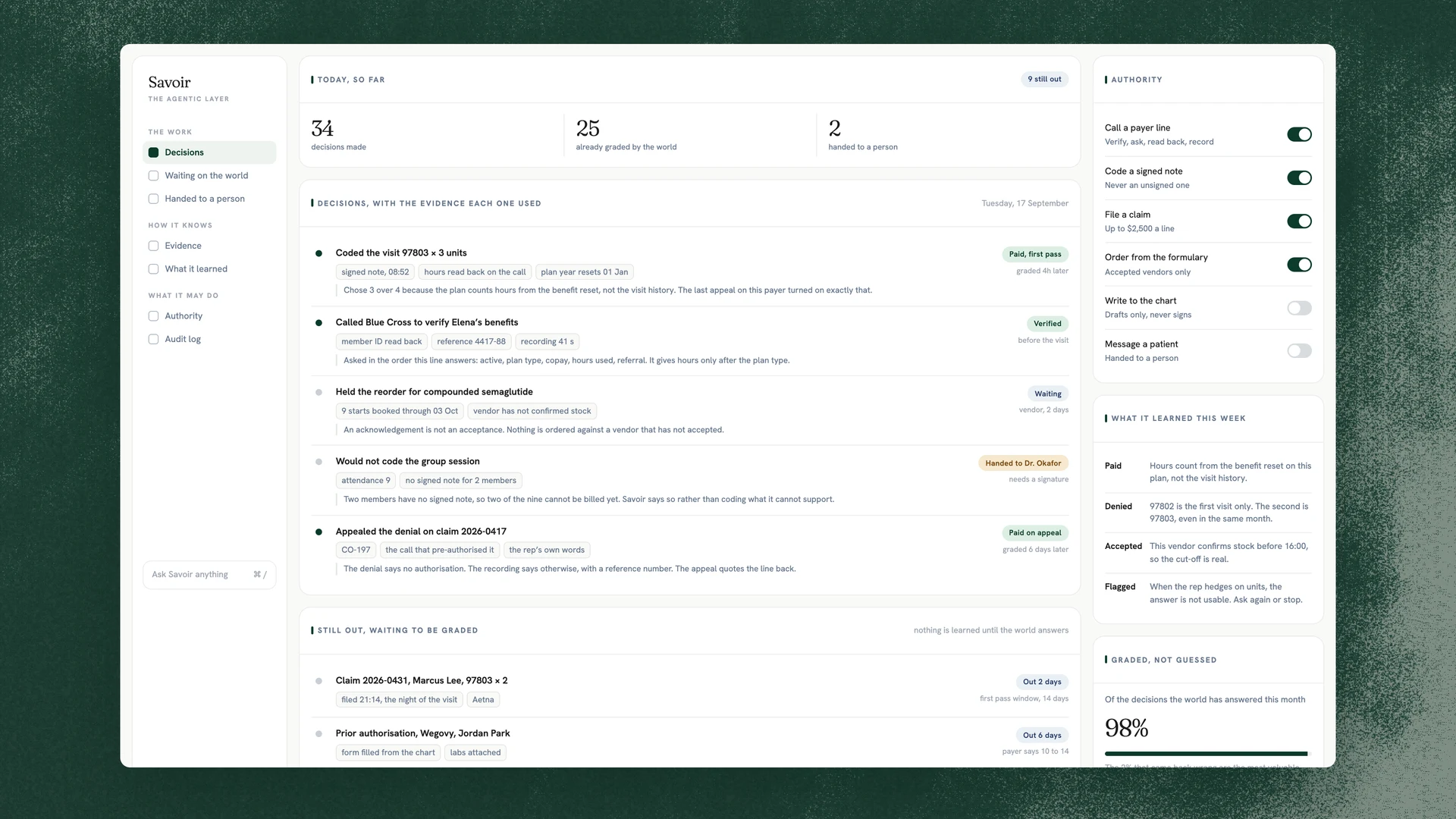
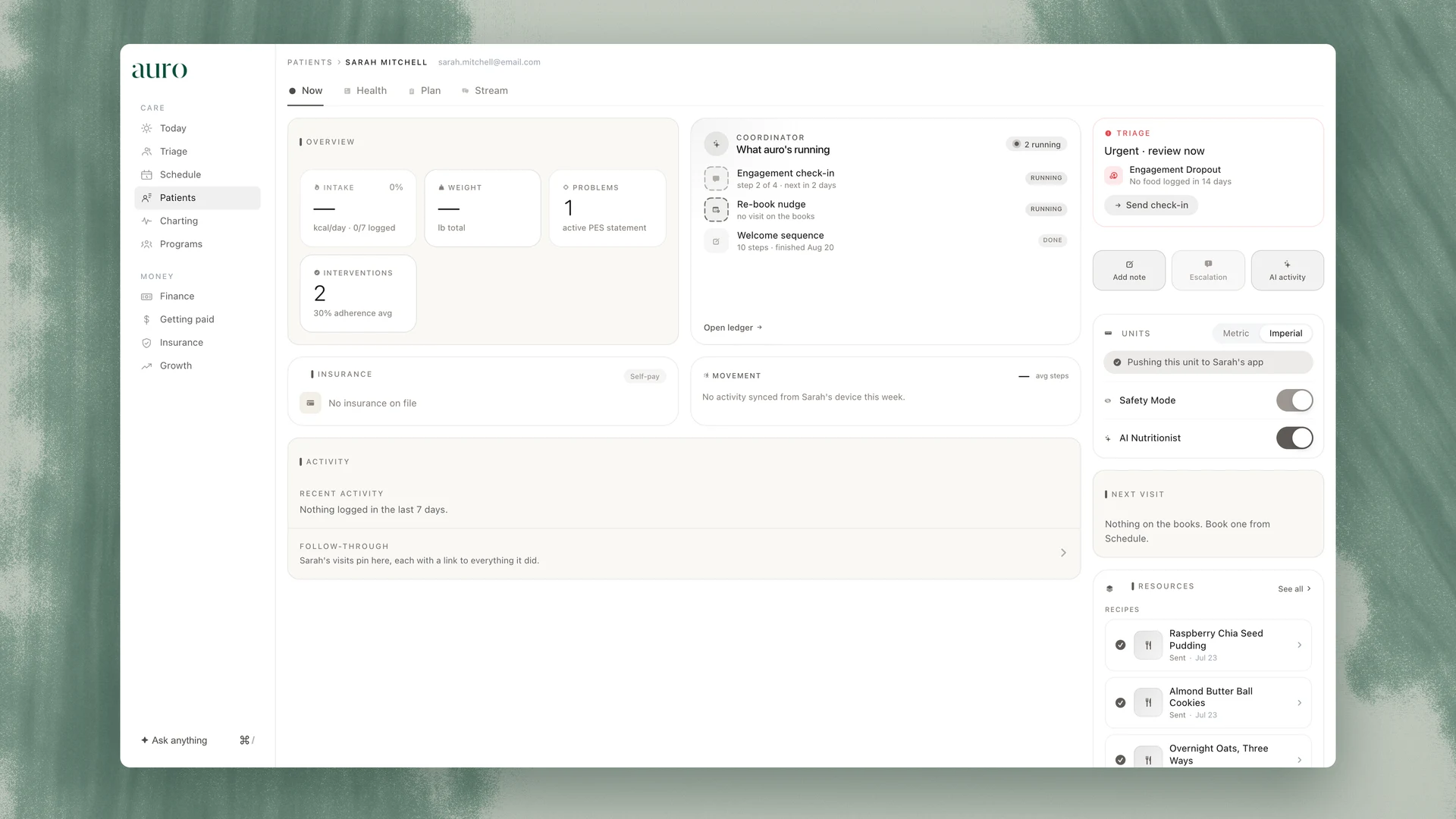
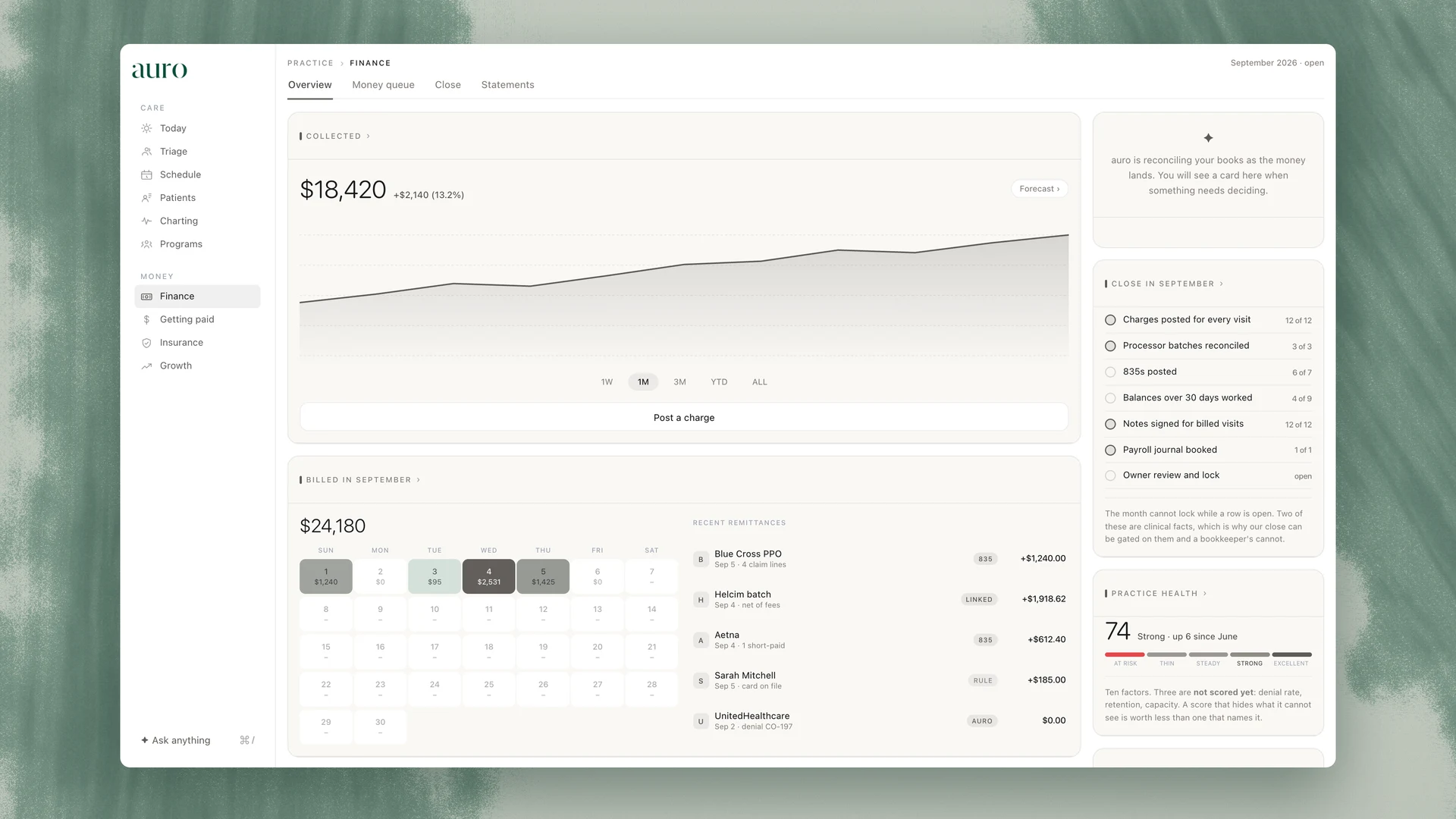
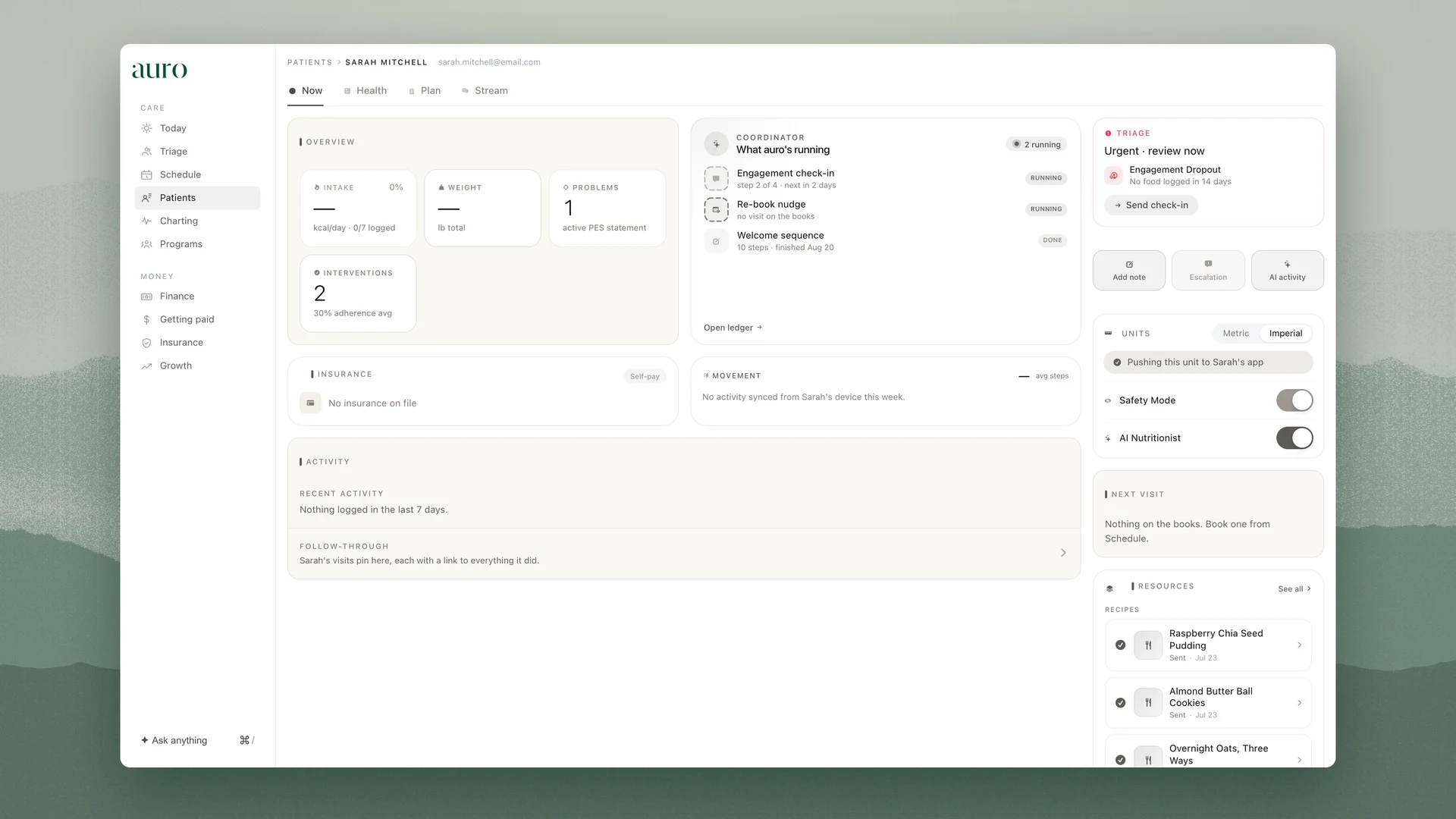
The practice, in your pocket.
The schedule, the triage queue and the chart on the iPhone, with ambient recording that starts after consent and notes signed from the phone.
Book a demo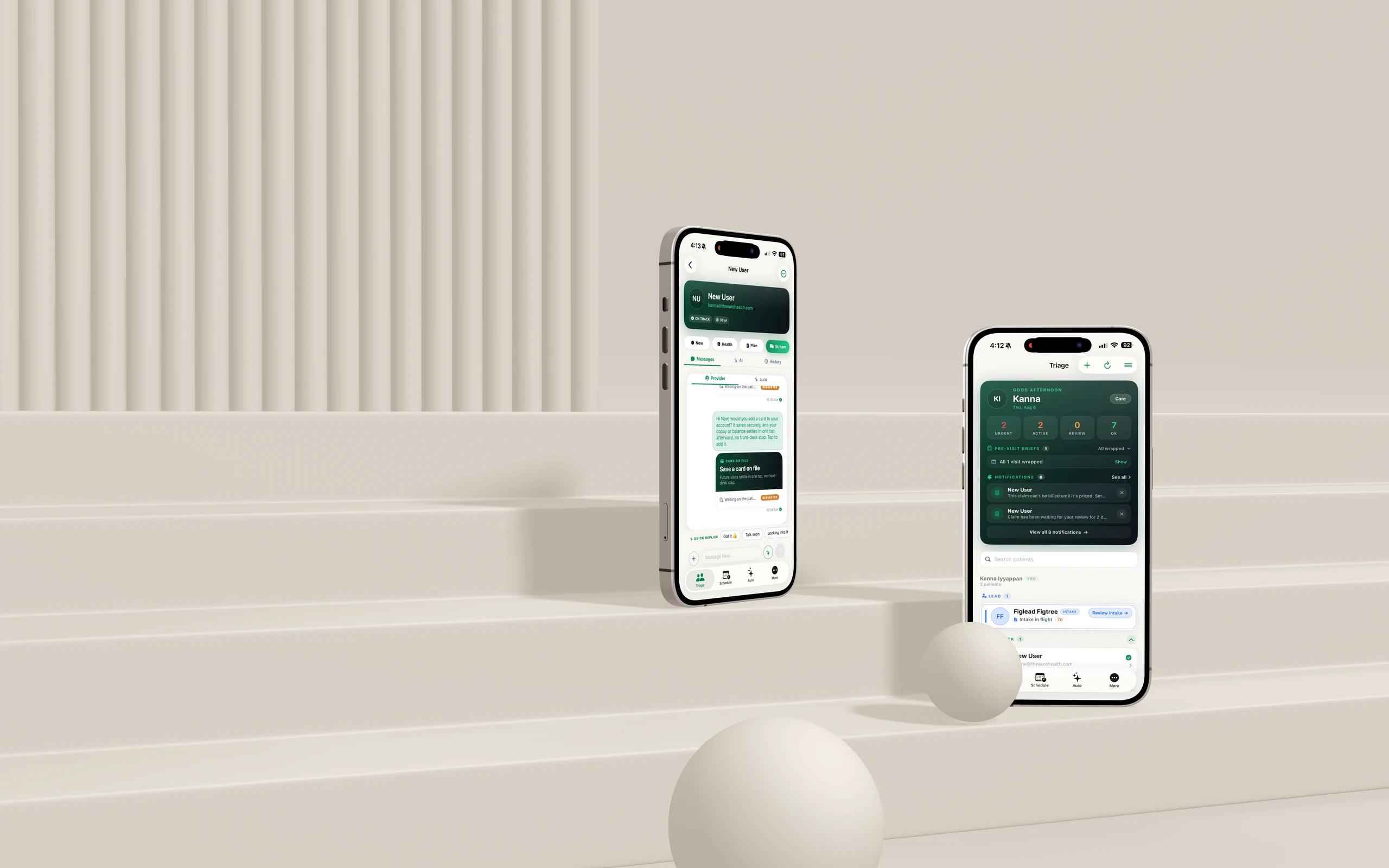
The same record, on the phone. Everything the browser knows, the iPhone knows, and the day starts before the desk does.
The day, at 8:00
Lana’s flags from last night’s verifications wait at the top of the schedule.

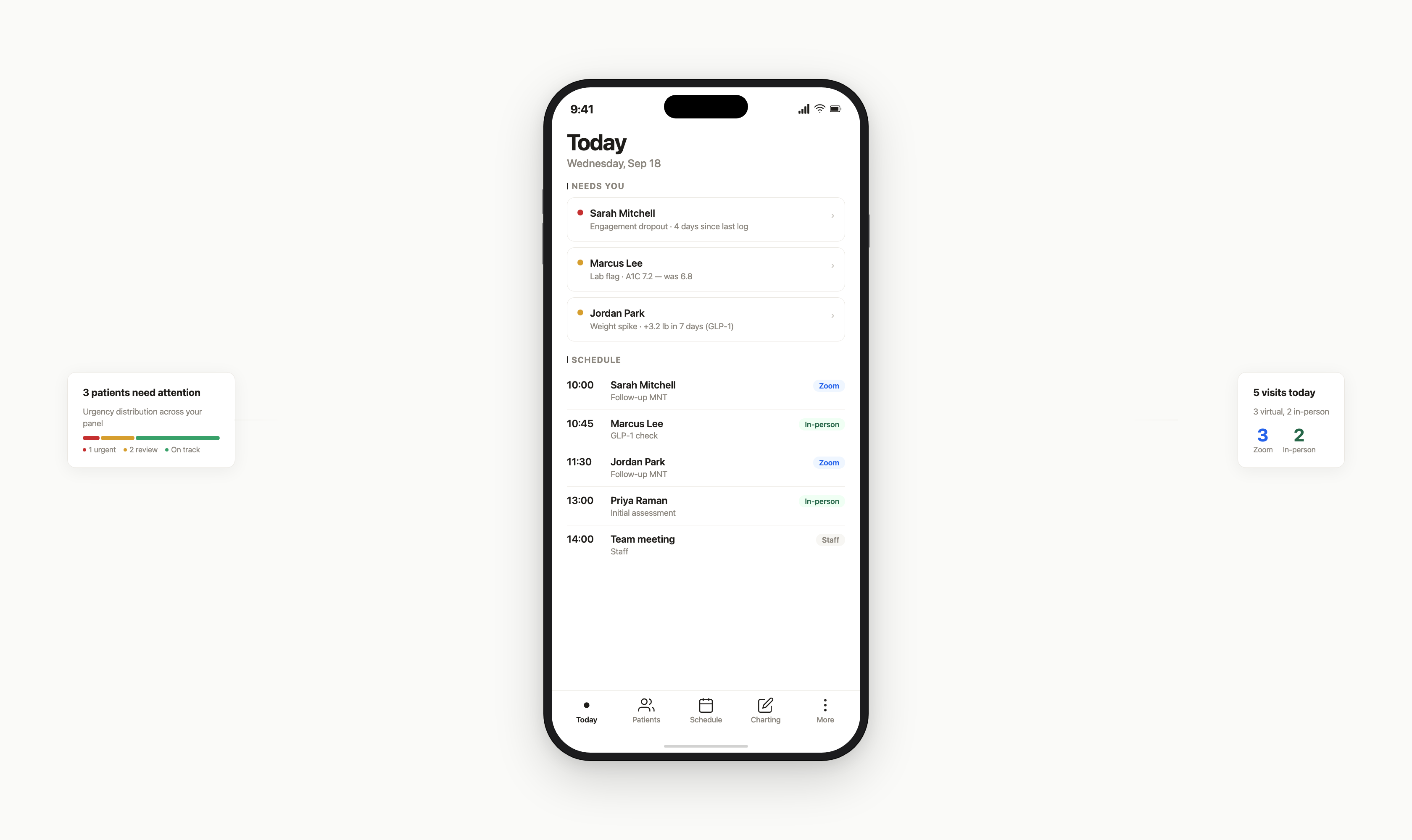
Schedule
Today’s visits with coverage status, copay and prior-auth flags beside each name.
Triage
Urgent, active, review, ok. The people who need you, ranked, with the reason in one line.
The visit, recorded
Ambient recording on the iPhone, in the room or on Zoom.

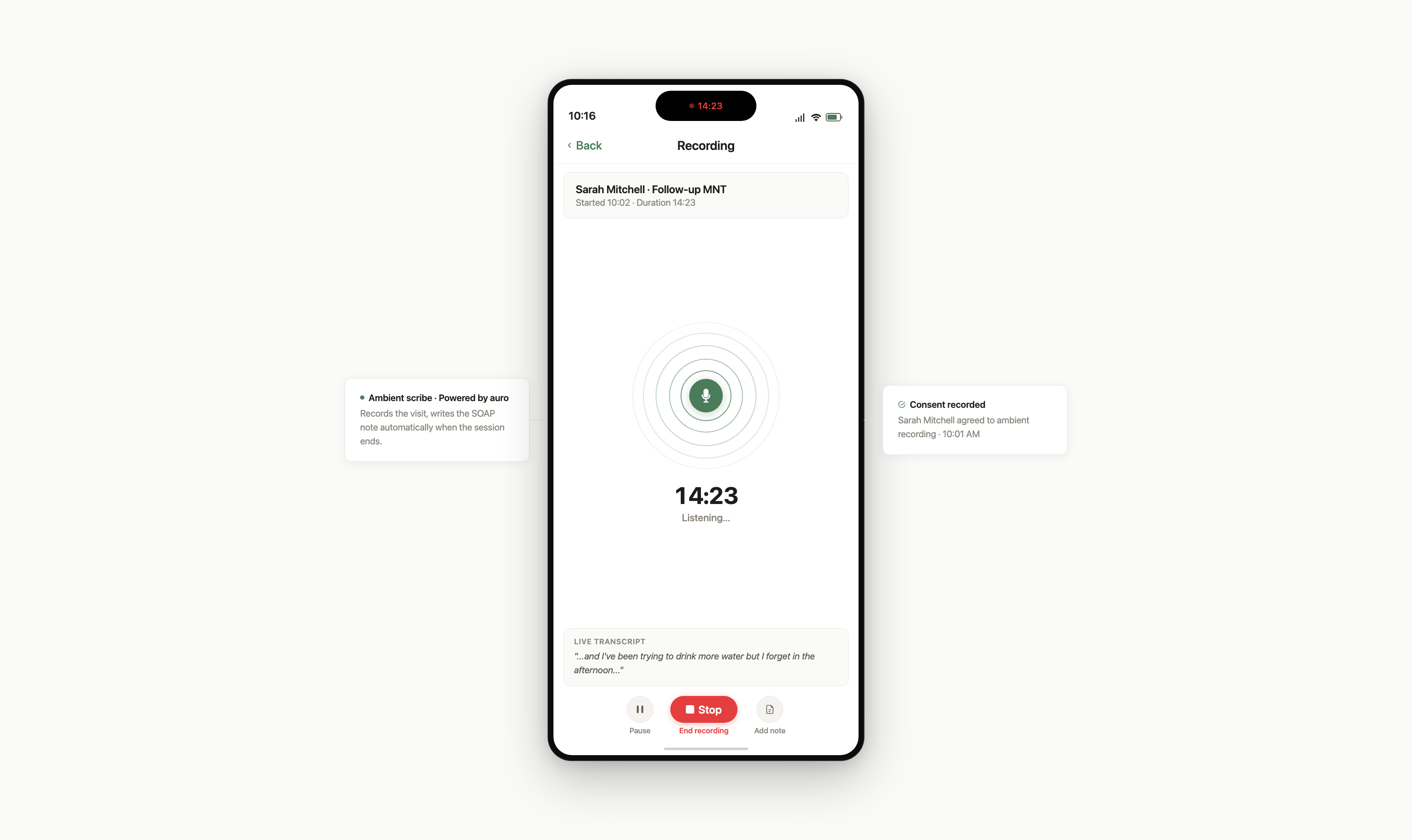
Consent, then record
Recording starts after the patient consents; the consent is stamped on the note.
The note, drafted
The SOAP or ADIME draft is waiting when the visit ends, in the practice’s own template.
Signed from the phone
Read, edit and sign between visits, so nothing waits for the desk.

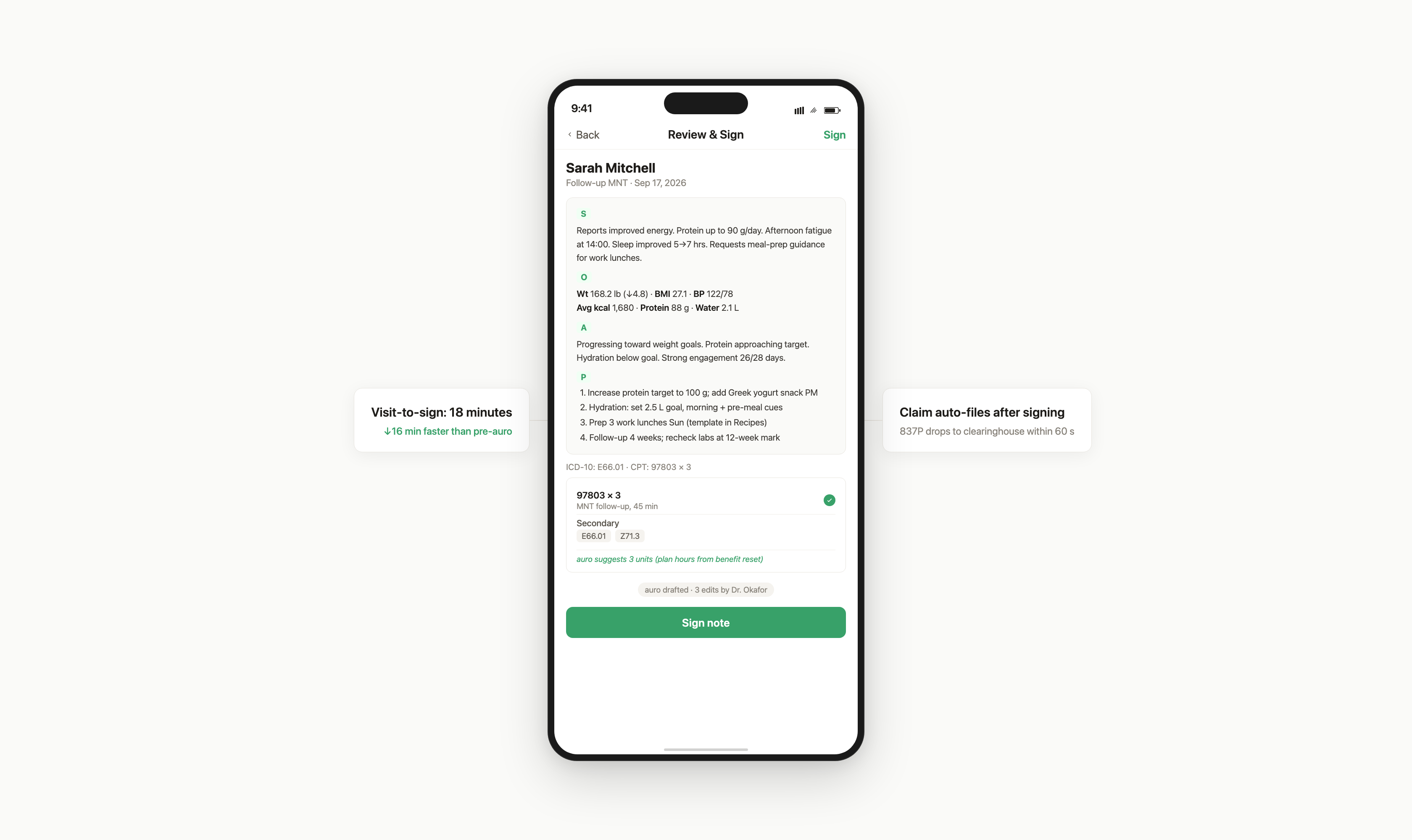
Sign and file
A signed note becomes a claim the same night. The phone shows both.
Messages and check-ins
Reply to a patient, send a check-in or hand off to the coordinator without opening a laptop.

“I review charts between patients, sign at lunch, and never open the laptop at home.”
How dietitians use the iPhone app
Before the first visit
Coverage verified by Lana overnight, the intake read on the phone on the way in.

Between rooms
The next patient’s logs and last plan on the screen before the door opens.

Recording the visit
Consent tapped, recording on, the draft waiting before the parking lot.
Signing at lunch
Three notes read and signed from the phone; three claims out that night.
The evening flags
Tomorrow’s verifications finish while you cook; the flags are there at 8:00.
Coverage verified by Lana overnight, the intake read on the phone on the way in.