

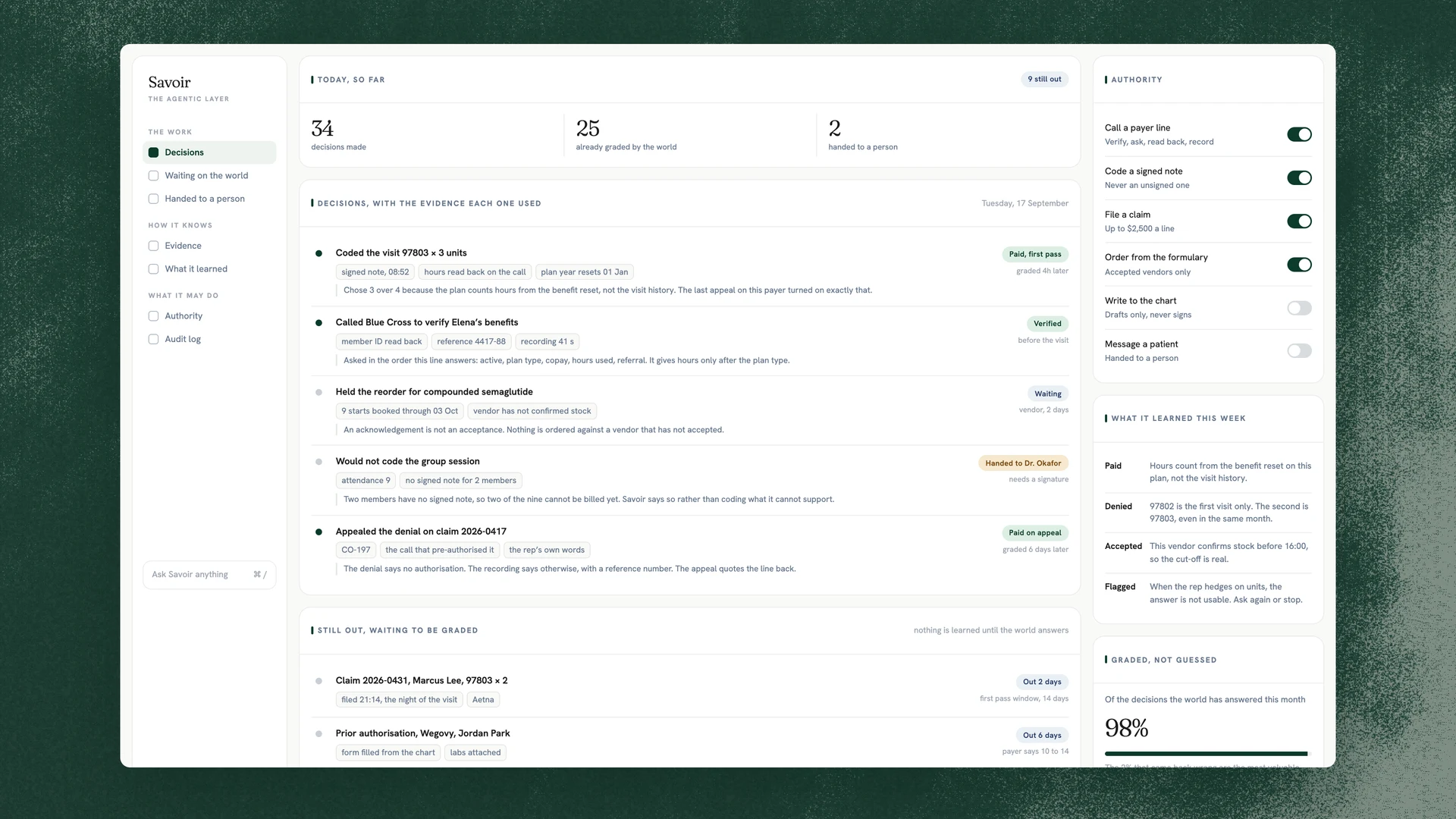
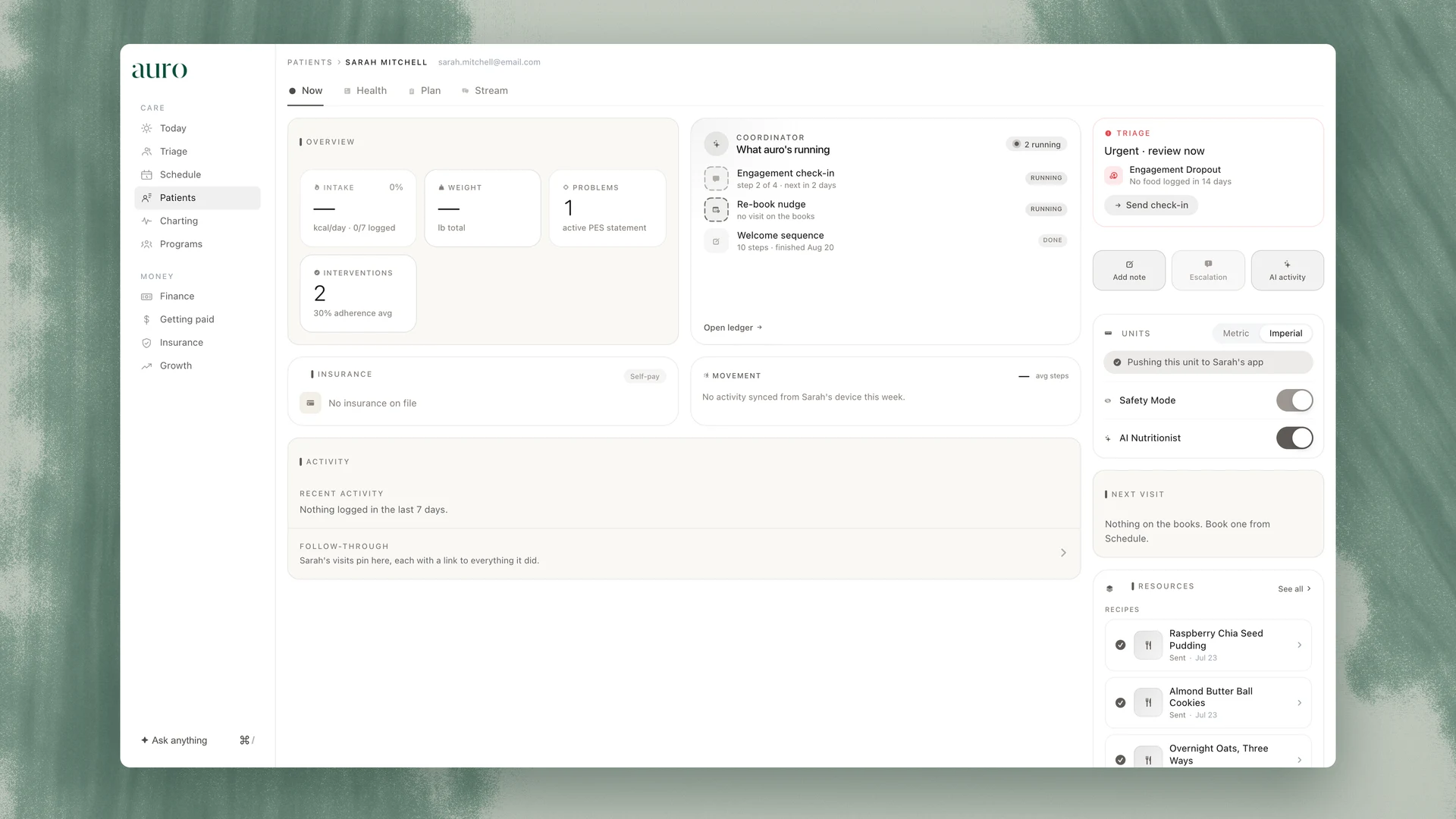
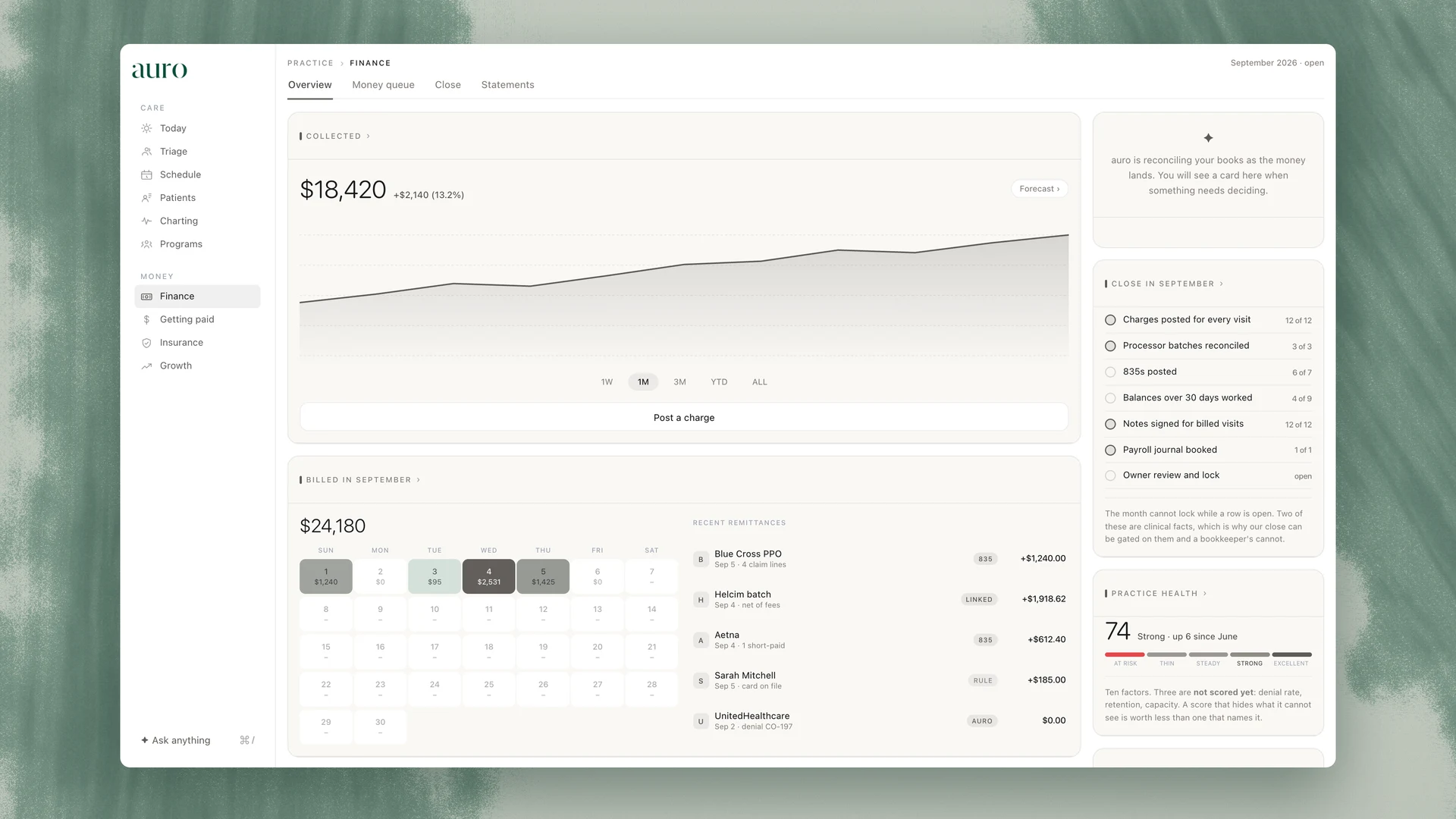
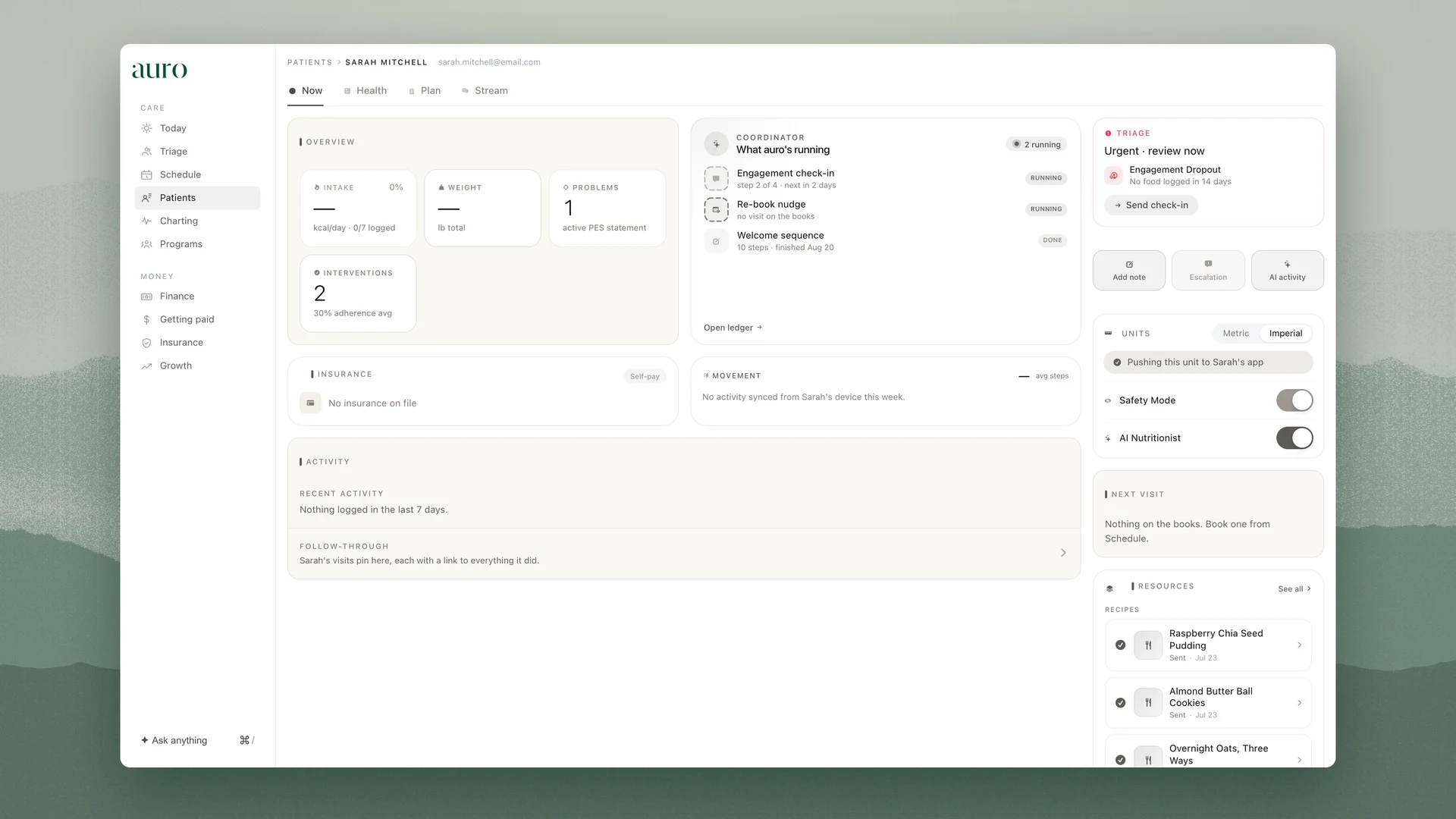
The first afternoon. You sign in, the day’s screen opens, and the three places the practice lives turn out to be one click apart: the schedule, the record and the ledger.
Where it happens
The day’s screen, in auro EHR. This lesson is part of the Getting started track.
What this lesson covers
Step 1
Sign in
Every provider account carries multi-factor authentication, and the session expires on its own. The sign-in is written to the audit log with your name against it.
Step 2
Read the day’s screen
It opens on the people who need attention, ranked, with the reason in one line, and on the day’s schedule beside them.
Step 3
Find the three surfaces
The schedule is the day, the record is the patient, the ledger is the money. Every other lesson in the Academy is written on top of those three.
Step 4
Notice what your role is shown
The screen you get is the one your role is allowed, and the database enforces that rather than the page. If a colleague sees something you do not, that is the role, not a setting on the screen.
After this lesson
You can sign in, read the day’s screen, and say which of the three surfaces a question belongs to.
The Academy keeps a record of what each person has completed. It is a record, not a credential: auro accredits no one, and no lesson carries CE or CEU credit.